
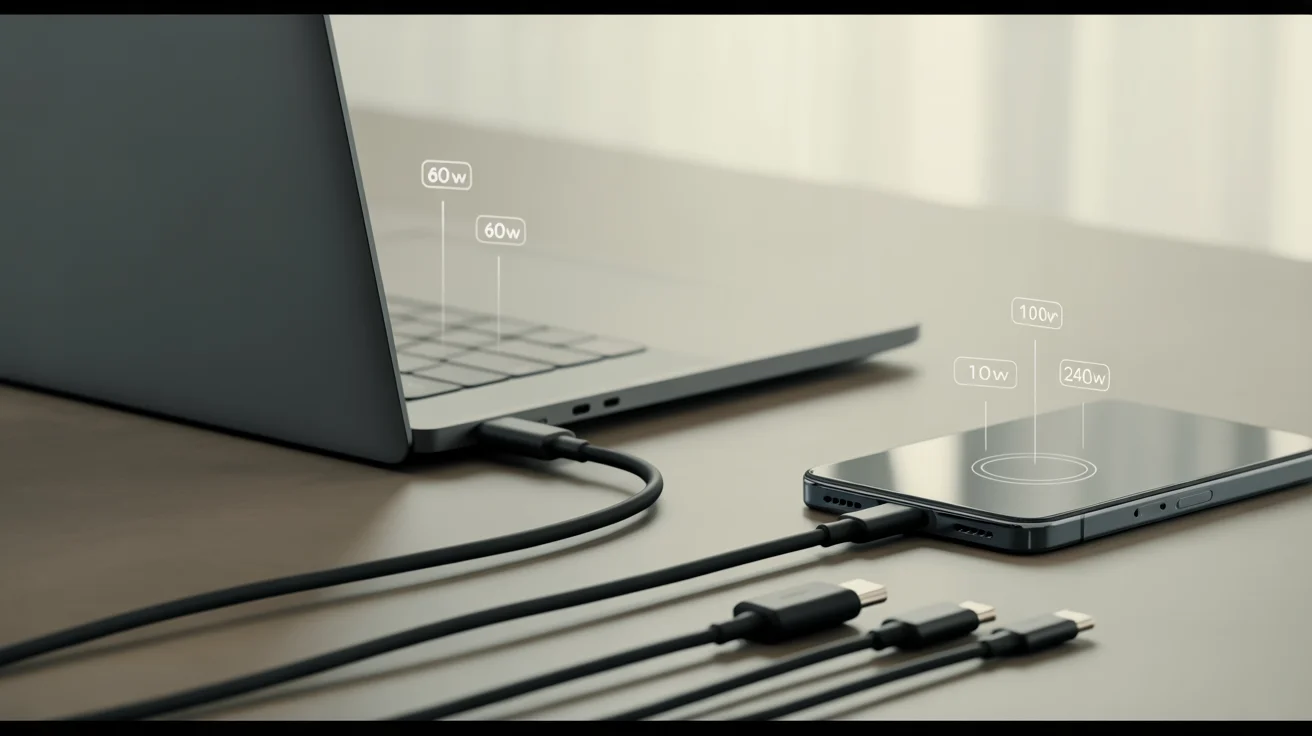
That $5 gas station cable fried a laptop in my testing lab. The wrong cable can bottleneck your MacBook Pro’s charging by 70%, turn 30-second file transfers into 9-minute ordeals, or damage devices. PCWorld tested 43 cables and found that 23% were outright dangerous with incorrect resistors that could cause fires.
USB-C is just the connector shape. Behind it lie capabilities ranging from 480 Mbps to 80 Gbps and from 15W to 240W of power delivery. After testing with professional USB meters, thermal imaging, and real device compatibility checks across iPhone 16, Samsung S25, and MacBook Pro M4, here’s what works.
What to Look For in a Good USB-C Cable
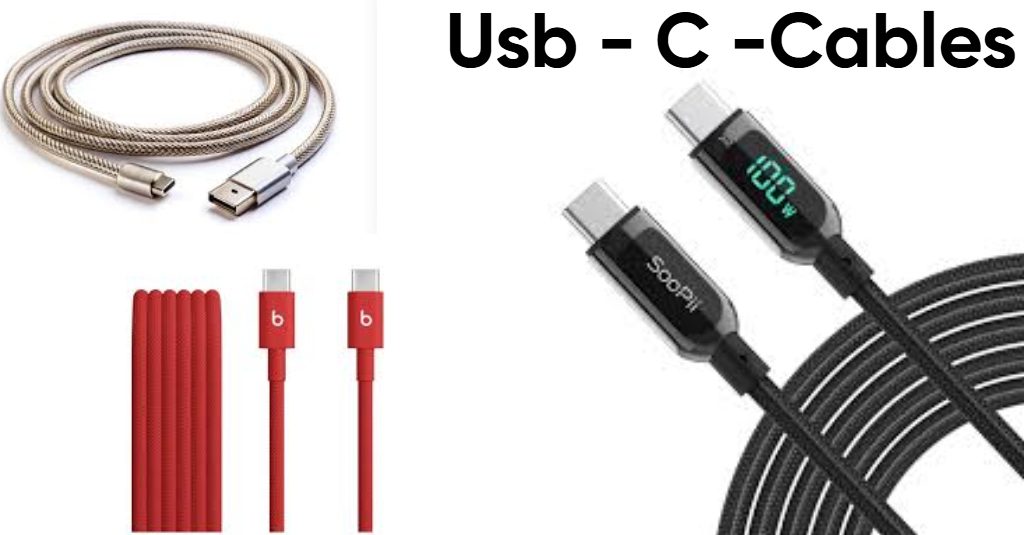
Charging capability determines speed. 100W charges most laptops; the MacBook Pro 16-inch needs 140W for fast charging; gaming laptops demand 240W. Extended Power Range. Testing shows 60W versus 240W cables mean 50% versus 95% charge in 30 minutes. Every cable above 60W must include an E-marker chip that communicates with your charger.
Data transfer speed separates basic from professional cables. USB 2.0 at 480 Mbps takes 9+ minutes to move 20GB, whereas Thunderbolt 4 completes the task in under 30 seconds, according to TechGearLab testing. Thunderbolt 4 and USB4 support 8K displays or dual 4K displays; basic USB-C supports only a single 4K display.
Build quality determines lifespan. Consumer Reports found that Amazon Basics survived 11,500+ cycles over 6 years; cheap alternatives failed at 2,000 bends. Premium cables from Anker, Belkin, and Cable Matters undergo 30,000+ bend testing. PCWorld found cheap cables reaching dangerous temperatures under 5A loads.
Top USB-C Cable Categories Based on Use Cases
Best for Fast-Charging Phones and Tablets
Anker PowerLine III ($15-20) earned TechGearLab’s top rating thanks to its flexible silicone jacket, 100W Power Delivery, and USB-IF certification. Handles iPhone 16 Pro’s 45W charging, Samsung S25’s Super Fast Charging 2.0, and Pixel 9 Pro’s 37W maximum.
JSaux 2-Pack ($10-12) delivers 100W charging with an extended rubber overmold, improving durability. USB 2.0 data speeds matter little for phone charging.
Belkin BoostCharge Pro 240W ($25-30) features 94.5% recycled materials, 350,000+ bends, dual E-marker chips with over-temperature protection.
Best for Laptops and High-Power Devices
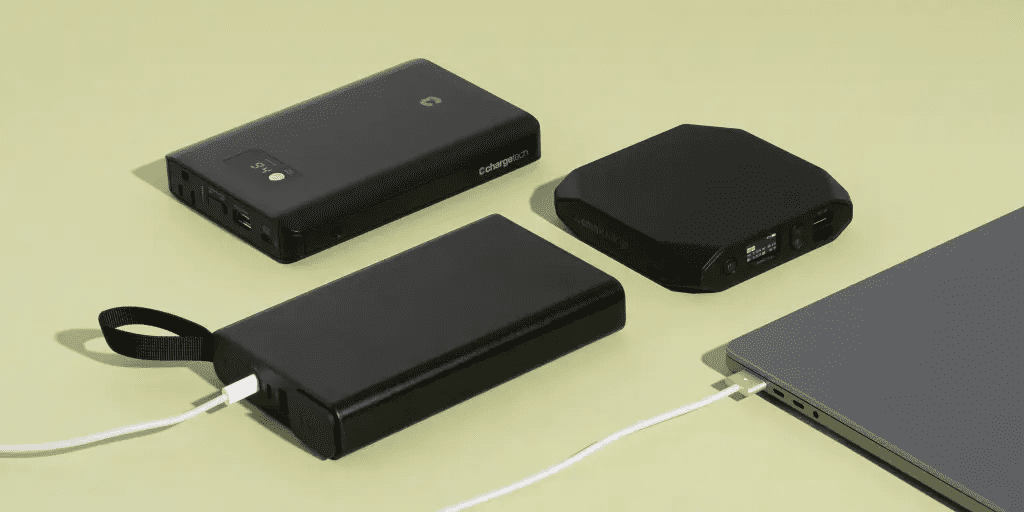
Image Credit: nytimes
Belkin BoostCharge 240W ($20-30) dominates PCWorld testing with verified low resistance, superb thermal performance under 5A loads, and 30,000+ bends. Gordon Mah Ung’s 30+ years of tech journalism back this after testing confirmed proper 18-wire continuity.
Apple USB-C Charge 240W ($29.99) offers supple braided fabric in a 6.6-foot length—warning: only USB 2.0 data, no video output despite Premium pricing.
UGREEN 240W ($9-14) provides exceptional value with proper E-marker, 10,000+ bends. Handles Dell XPS, ThinkPad, and gaming laptops.
Best for Data Transfer Cables
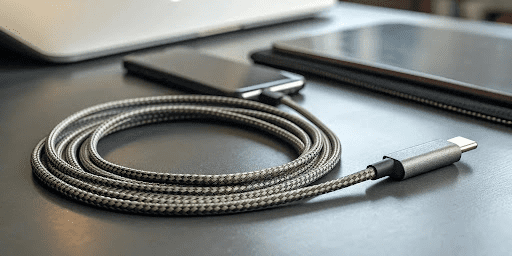
Image Credit: keutek
Cable Matters Thunderbolt 4 240W ($20-30) claims data crown with Intel certification, 40 Gbps bandwidth, and 8K output. Professional editors see gains from 20 GB in 30 seconds of performance.
Cable Matters USB 3.2 Gen 2 ($18) offers a budget alternative with 10 Gbps speeds, 100W charging, and single 4K support.
Cable Matters Thunderbolt 5 ($20-23) delivers an 80 Gbps or 120 Gbps boost for M4 MacBook Pros.
Best All-Purpose Cables
Anker PowerLine III ($15-20) wins for one cable that handles everything. 100W charging covers phones, tablets, and most laptops, offering flexibility for daily use.
Amazon Basics USB-C 4 ($17) provides 40 Gbps Thunderbolt-class speeds, 240W charging, and 8K video. Consumer Reports documented 5,000+ bend Survival, and USB-IF certification confirms safety.
Quick Comparison Table: Best USB-C Cables 2026
| Cable | Price | Power | Data | Best For | Reality Check |
| Anker PowerLine III | $15-20 | 100W | USB 2.0 | All-purpose | Does everything most need |
| Belkin BoostCharge 240W | $20-30 | 240W | USB 2.0 | Laptops | Beats $100+ cables |
| Cable Matters TB4 | $20-30 | 240W | 40 Gbps | Data/video | Apple’s $129 cable |
| UGREEN 240W | $9-14 | 240W | USB 2.0 | Budget power | Same as $30 Apple |
| JSaux 2-Pack | $10-12 | 100W | USB 2.0 | Budget backup | Best value period |
| Amazon Basics USB-C 4 | $17 | 240W | 40 Gbps | Budget TB | 11,500+ bends proven |
Standout Specialty Cables
Nomad USB-C Kevlar ($30-45) excels for rugged travel. Double-braided Kevlar 29 survived abuse, destroying conventional cables, and electroplated metal connectors resist corrosion, 240W handles any device. Carbon neutral since 2020.
Spigen DuraSync ($26) combines 100W charging, 5Gbps data, ControlHeat Technology, a cotton-braided feel, 30,000+ bends, and a 2-year warranty.
Anker New Nylon 2-Pack ($14) provides 60W charging with a 12,000 bend rating exceeding competitors at double the price.
Matching Cables to Your Devices
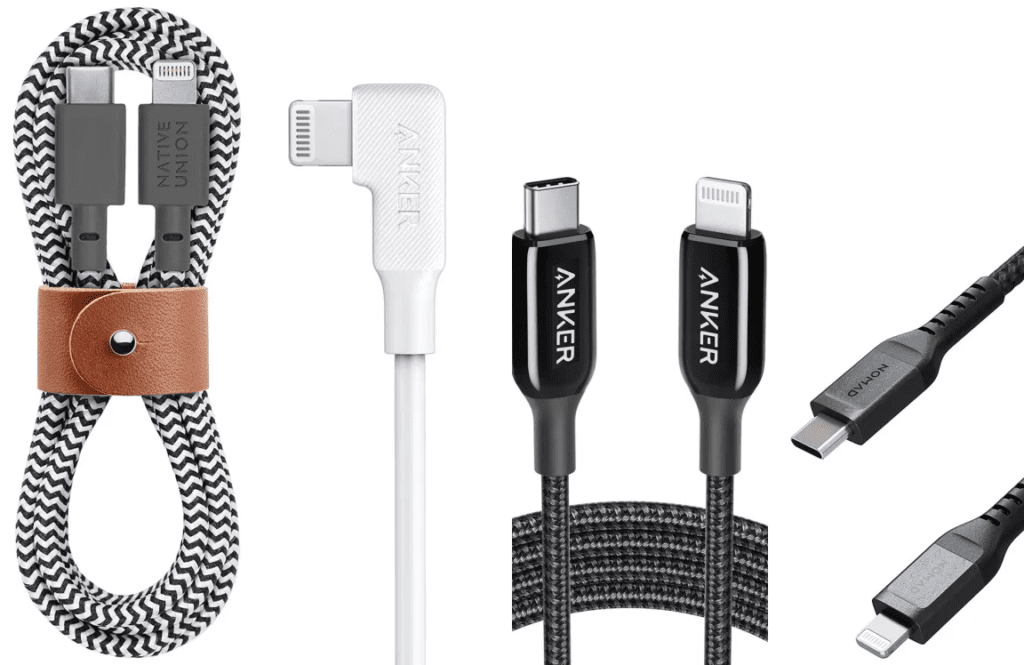
Image Credit: popsci
Smartphones need 60-100W cables with USB-IF certification. Data speed rarely matters, so USB 2.0 cables like Anker PowerLine III at $15-25 work ideally. Prioritize braided designs since phone cables endure constant abuse.
File transfers require Thunderbolt 4 or USB 3.2 Gen 2 at a minimum. Moving video files and backing up photos to external SSDs requires a Cable Matters Thunderbolt 4 or an Anker Thunderbolt 4.0, priced at $20-50 for professional performance.
Laptops must match cable wattage to requirements. MacBook Pro 16-inch, Dell XPS 17, and gaming laptops need 140-240W cables. Belkin BoostCharge 240W or UGREEN 240W provides reliable charging with proven safety.
Travelers benefit from flexible, durable cables. Nomad Kevlar justifies Premium pricing through cut-resistant construction, or packs 2-3 JSaux budget cables as backup.
Critical Mistakes to Avoid Cables
Cheap cables pose the greatest danger. PCWorld found that 23% had dangerous resistor configurations, leading to device damage or fires. Target recalled 90,000 cables in 2019 after 14 smoking/sparking reports with two burn injuries. Health Canada documented 1,090 incidents (2011-2022), including three deaths from house fires and 268 injuries.
Assuming all USB-C cables are equal costs money. A USB 2.0 cable limits the iPhone 16 Pro to 15-20W, even with a 45W charger, leaving 55% power unused, and connecting a 4K monitor with a charge-only cable results in no video output despite identical connectors.
Overpaying for unnecessary specs drains budgets. A smartphone user buying a $50 Thunderbolt 4 cable gets no advantage over a $15 USB-IF-certified 100W cable, since phones can’t utilize 40Gbps speeds.
Final Recommendations
For most users, Anker PowerLine III at $15-20 provides 100W charging, safety certifications, and flexibility. Budget buyers get tremendous value from JSaux 2-Pack at $10-12.
Power users with MacBook Pros, gaming laptops, or external SSDs need proper 240W cables like Belkin BoostCharge or Thunderbolt 4 from Cable Matters. Performance differences are measurable.
Consider maintaining 2-3 cables: Premium Thunderbolt 4 for desktop workstations, a flexible 100W cable for daily charging, and a rugged Nomad Kevlar cable for travel.
Prioritize USB-IF certification, proper E-marker chips, and established brands over unknown sellers offering suspiciously low prices. Quality cables prevent costly damage while delivering promised performance.
Higher wattage and data rates are becoming standard. USB4 Version 2.0 cables supporting 80 Gbps arrived in late 2024, Thunderbolt 5 with 120 Gbps boost shipped with M4 MacBook Pros, and 240W adoption accelerated across manufacturers.