A MacBook Pro is powerful enough to do almost anything straight out of the box. What it doesn’t do is make your desk comfortable, your files safe or your bag lighter. That’s where accessories come in.
The problem is that accessory lists are endless, and many exist mainly to sell you things. A smarter approach is to look at what annoys you most in daily use, then fix that first. This guide runs through the categories that make a real difference, with options reviewers keep recommending.
Start With The Bottleneck
One reviewer put it well: the best accessory is the one that removes a problem you feel every day. A fancy dock that saves you no time is worse than a good mouse you touch for eight hours a day.
So before spending, ask yourself what slows you down. Is it a lack of ports? Cramped storage? Neck pain from a low screen? Battery anxiety on the road? The answer tells you where to begin.
Ports And Docking
The MacBook Pro has a decent selection of ports, but you’ll still run out if you use multiple monitors, drives and peripherals.
For travel, a compact USB-C hub covers HDMI, USB-A, SD cards and charging. Anker’s 555 hub keeps appearing on recommended lists for its balance of ports and speed.
For a desk, a Thunderbolt dock is the premium option. It lets you connect several monitors, fast storage, Ethernet and your charger through one cable. Anker’s 777 is a frequent pick, and CalDigit docks are a longtime favorite for professionals. They cost more, but they’re built for heavy use.
Check your specific MacBook’s supported displays before buying a dock, and make sure the cable and charger match the speeds you need. The fastest accessory still falls back to the slowest link in the chain.
Mouse And Keyboard
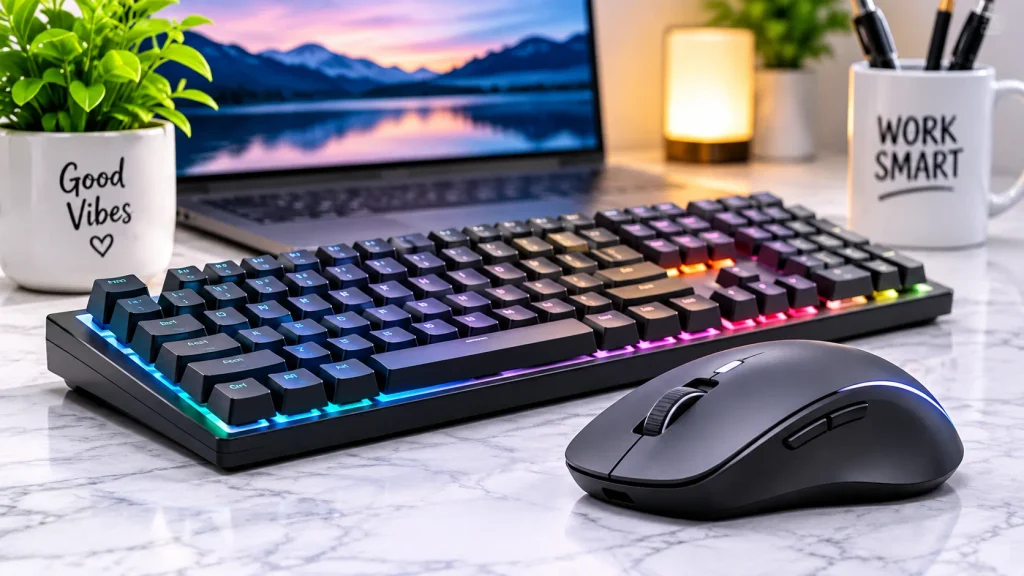
Trackpads are excellent, but long work sessions are easier with a proper mouse. The Logitech MX Master series, particularly the 3S and its newer successor, tops a lot of lists thanks to its comfortable shape, precise scrolling and customizable buttons. It’s one of those purchases that people say they should have made sooner.
If you like a more minimal look, Apple’s own Magic Mouse and Magic Keyboard are neat and work perfectly with Macs. For typing-heavy work, a mechanical or ergonomic keyboard might serve you better.Choose based on feel, and if possible try before you buy.
Stand And Ergonomics
Laptop screens sit too low for comfortable long-term use, and the cost is usually neck and shoulder pain. A laptop stand raises the screen closer to eye level, and pairing it with an external keyboard and mouse lets you work in a healthier position.
Options range from simple aluminum stands to adjustable, foldable designs like the Twelve South Curve Flex, which is often recommended for both home and travel use. It’s pricey for a stand, but the build quality and adjustability are strong.
If you’re working from a desk every day, this is one of the most underrated purchases on the list.
Storage And Backup

MacBook storage is fast but expensive to upgrade, and it can’t be changed later. An external SSD is the practical solution for photos, video projects and backups.
The Samsung T9 comes up often as a fast, durable portable drive. It’s a good place to start for creators who run out of space. Whatever drive you choose, look for USB-C with fast speeds and a rugged body.
Backups matter more than speed. Use Time Machine with an external drive, or a network storage system if you want a central backup for several devices.If your work matters, keep a second copy off-site or in the cloud.
Charging And Power
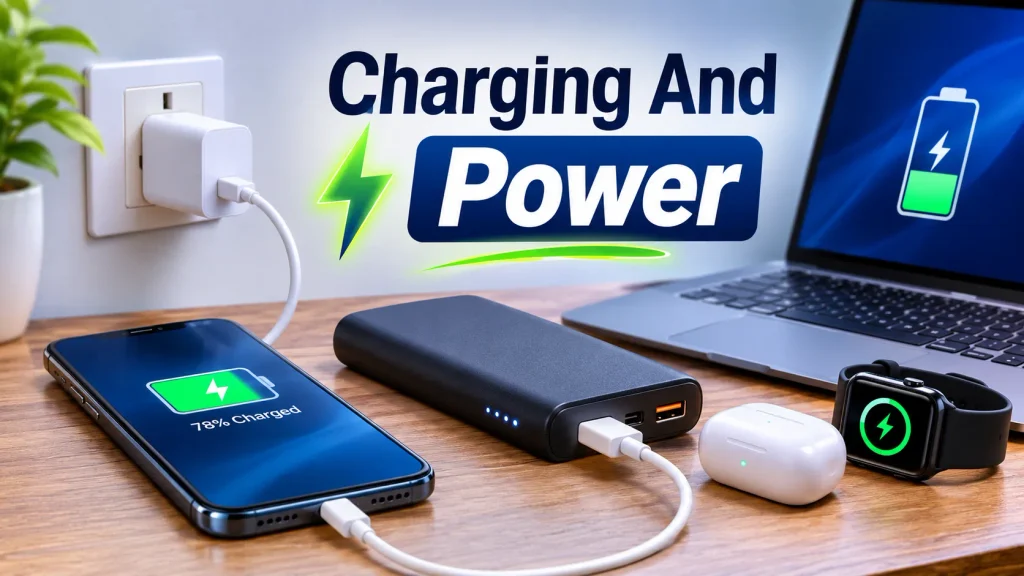
Apple’s included charger is fast, but it has a single port and isn’t ideal for travel. A compact GaN charger with multiple ports can power your laptop, phone and tablet from one plug, which cuts down on clutter.
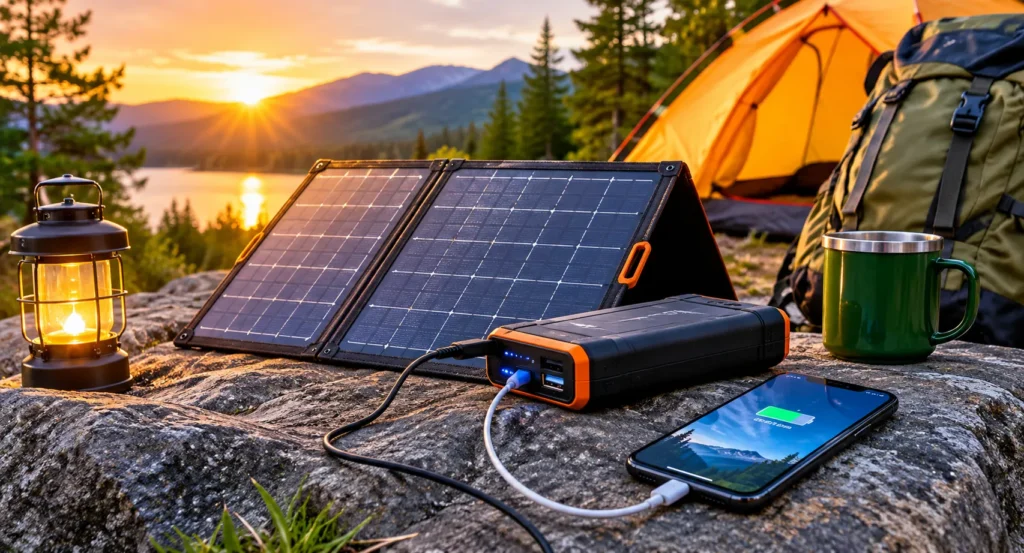
If you travel or work away from outlets, a laptop-compatible power bank can be a lifesaver. Check that it delivers enough wattage for your MacBook Pro, since many phone power banks aren’t strong enough.
Good cables matter too. A cheap cable can limit charging speed and data transfer, so buy certified cables rated for the power and speed you need.
Protection And Carrying
A sleeve or bag is the easiest way to protect a laptop that costs this much. Slim sleeves from brands like tomtoc are popular for their padded protection and pockets for chargers and small items. Many reviewers also recommend a quality backpack for carrying your laptop and accessories, with options ranging from affordable to premium.
Hard-shell cases and screen protectors can help if you’re hard on your devices, but they’re less necessary for people who mostly work at a desk. A keyboard cover can protect against dust and spills, though it can also leave marks on the screen if it’s too thick. Check that anything you buy is made for your exact model.
Audio And Calls
Laptop speakers and microphones are good, but they have limits.For focus and calls, a pair of noise-cancelling headphones or earbuds makes a big difference.For video meetings, an external webcam can improve image quality, especially in low light. If you do a lot of recording, a USB microphone is a worthwhile upgrade.
A Second Screen
If you want more working space, a portable monitor or a desktop display extends your MacBook without much effort. Portable monitors are light and run from a single cable, which makes them handy for travel.For a permanent desk, a good external monitor is often the biggest productivity upgrade you can make.
Check Compatibility First
Accessories are made for specific sizes and generations. A sleeve or case that fits a 14-inch model won’t fit a 16-inch one, and older designs may not match newer machines.Check your exact model before you buy. The same goes for docks and displays, since support varies between chip generations.
What To Skip
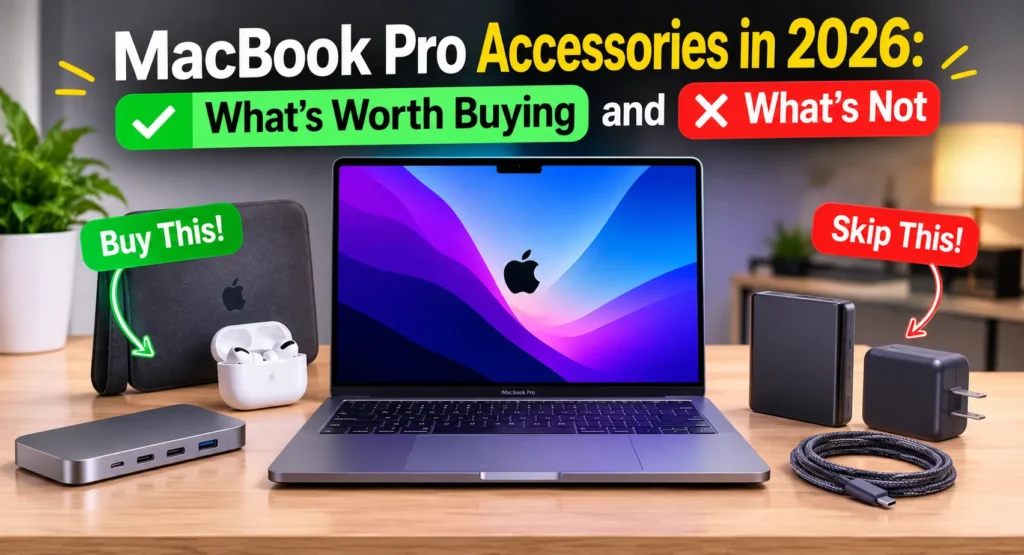
A few things are rarely worth the money. Gimmicky gadgets that duplicate built-in features, very cheap unbranded chargers and cables, and bulky accessories that you won’t carry with you all fall into this group. If you can’t explain what problem an accessory solves, you probably don’t need it.
A Sensible Starter List
For most people, a sensible order of purchase looks like this:
- A sleeve or bag for protection
- A good mouse
- A laptop stand with a keyboard if you work at a desk
- A hub or dock matched to your setup
- An external SSD for storage and backups
- A multi-port charger for travel
Add the rest as real needs appear.
Final Thoughts
The best MacBook Pro accessories are the ones that fit your habits. Start with the problem that bothers you most, choose reputable brands and check compatibility before you buy.A few well-chosen items will improve your daily experience far more than a drawer full of gadgets.
Spend where you’ll feel the benefit, and leave the rest. Your MacBook is already excellent, and the right accessories simply help you use it the way you want to.