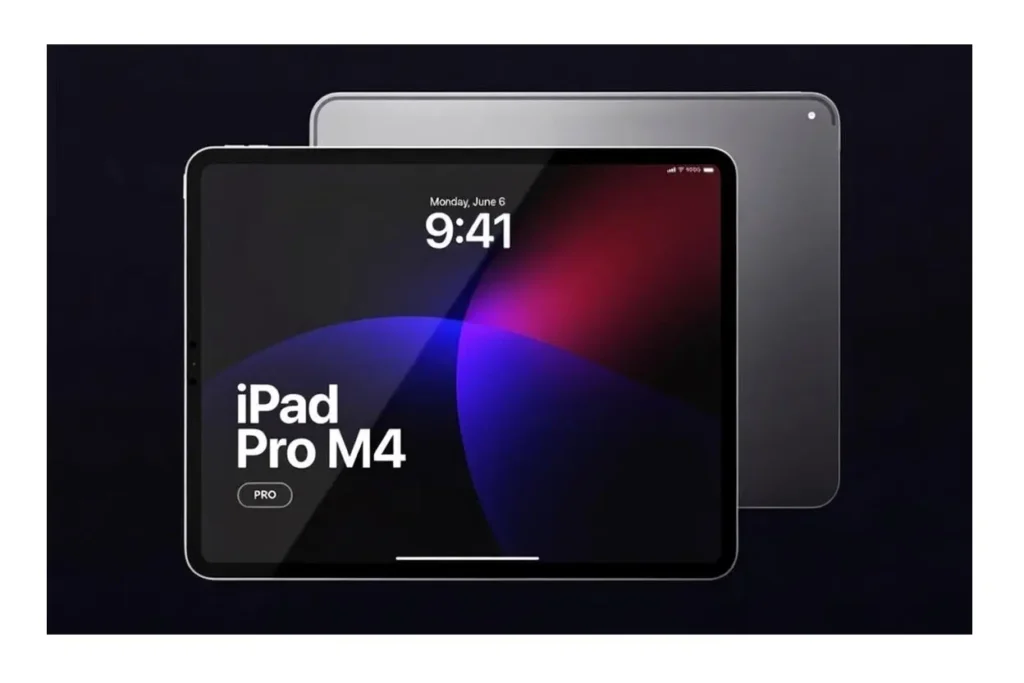
After eight months of use, research and user feedback show that the iPad Pro M4 is a real productivity powerhouse. With prices starting at $999 for the 11-inch model and $1,299 for the 13-inch model, is it worth the investment?
Yes, especially for creative professionals or anyone who wants portability and strong performance. Here is what testing reveals.
Performance
The M4 chip, used in Apple’s latest MacBook Air models, brings Mac-level speed to a device that weighs just over one pound. Testing shows it handles video editing in Final Cut Pro, photo work in Affinity Designer, and light 3D modeling with ease.
Performance stays smooth even with 4K video or complex design files. The chip handles multitasking easily and switches between demanding apps without issues. (iPad Pro M4 (2024) review: big, bad, but now thinner!, 2024) Export times are impressively fast, with a ten-minute 4K video rendering in under five minutes.
Unlike older iPad Pro models that could get too warm, the M4 stays cool thanks to better heat management. Battery life averages seven hours during heavy creative work, or up to ten hours for lighter use.
Display Quality
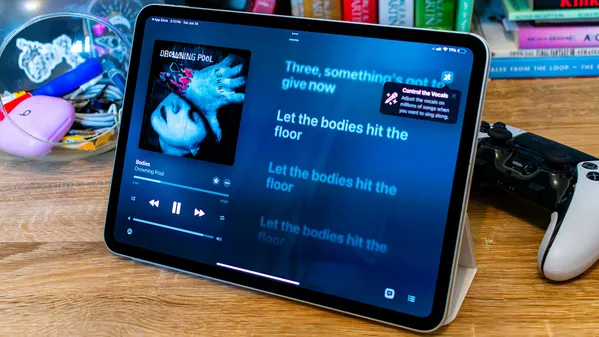
The Ultra Retina XDR display uses tandem OLED technology, meaning two OLED panels work together for incredible brightness and contrast. Peak brightness hits 1,600 nits for HDR, making this Apple’s brightest iPad display yet.
Watching movies feels like using a mini IMAX. Colors are vivid and accurate, which professionals can trust for editing work. Pro Motion technology gives you a smooth 120Hz refresh rate, making scrolling and interactions feel very fluid.
For creative work, the display supports the P3 wide color range and True Tone. This means photos and designs look right, no matter the lighting. (iPad Pro – Technical Specifications, 2024)
Design and Build Quality
Apple made this iPad Pro ridiculously thin at just 5.1mm for the 13-inch model. That is thinner than most smartphones on the market today. The aluminum chassis feels solid and premium, with signature Apple build quality throughout.
The flat edges make it easy to hold in landscape mode, which is particularly helpful when taking notes or drawing. Camera placement on the landscape edge makes video calls more natural, with users looking directly at colleagues instead of off-center. (iPad Pro Review, 2024)
One thoughtful detail is the magnetic attachment for the Apple Pencil Pro. It clicks into place with precision and charges wirelessly while attached.
Apple Pencil Pro and Magic Keyboard
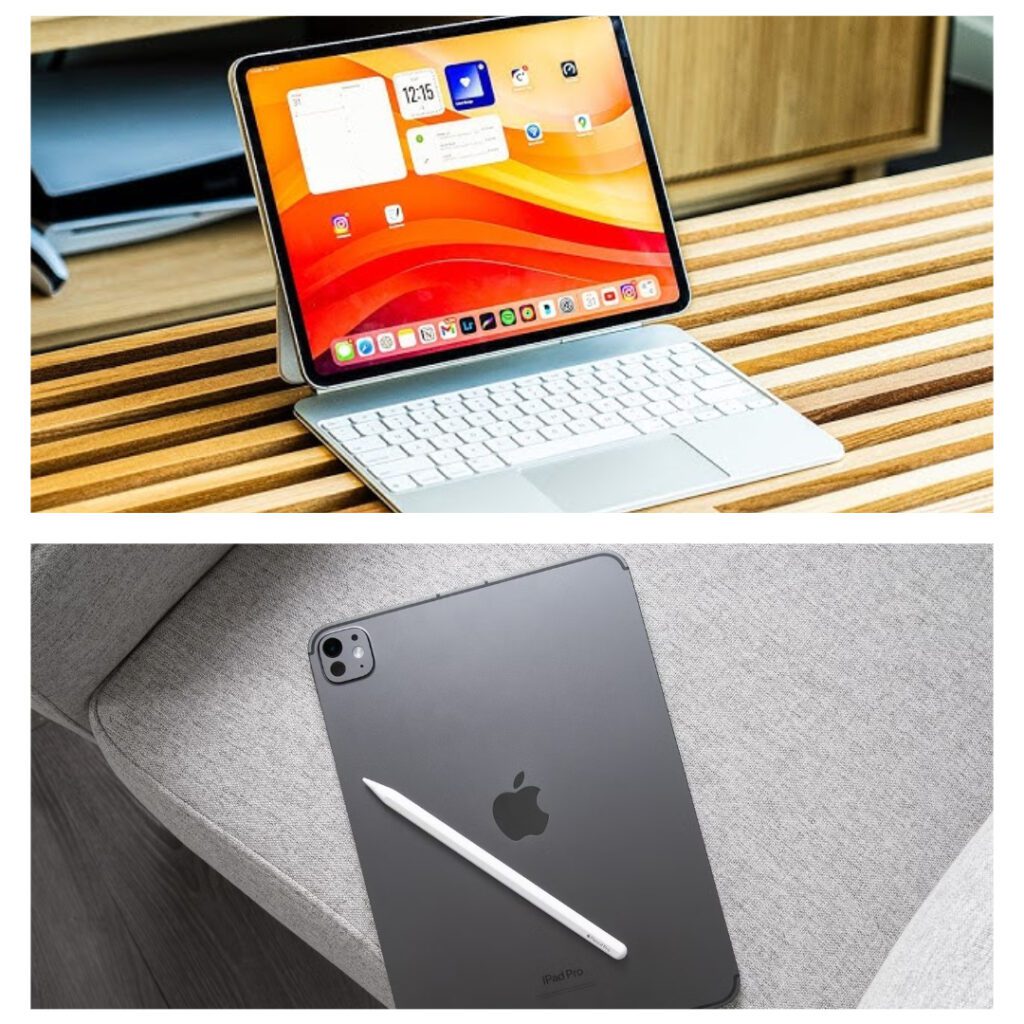
The Apple Pencil Pro enhances the drawing experience with features like the squeeze gesture for tool palettes, barrel roll for natural rotation, and haptic feedback for subtle confirmation. There is virtually zero lag between stylus and screen, making it feel like drawing on actual paper.
Palm rejection works flawlessly, so users can rest their hands naturally without triggering unintended marks. Find My integration finally brings location tracking to the Apple Pencil, addressing one of the most common complaints about previous generations.
The Magic Keyboard makes the iPad Pro a viable laptop replacement. Key travel feels surprisingly good for such a slim accessory, with tactile feedback and comfortable typing. The floating cantilever design allows flexible viewing angles, and USB-C pass-through charging expands connectivity options.
Real World Performance Testing
Video editing in Final Cut Pro demonstrates the M4 capabilities perfectly. Testing reveals smooth handling of 4K footage with color grading and effects applied without rendering delays. Timeline scrubbing remains soft even with multiple layers stacked.
Photo editing in apps like Affinity Photo and Lightroom showcases the display advantages. The color accuracy and brightness range make it easy to evaluate exposure and color balance precisely. Professional photographers report that the display quality rivals dedicated photo editing monitors.
The 16GB RAM configuration handles multitasking well. Users report running multiple demanding apps without performance loss. Stage Manager supports advanced multitasking workflows.
Gaming performance is excellent, too, though the iPad still lacks the depth of gaming library that dedicated consoles offer. Games optimized for the M4 chip look spectacular and run buttery smooth. (Gibbs, 2024)
iPadOS 18
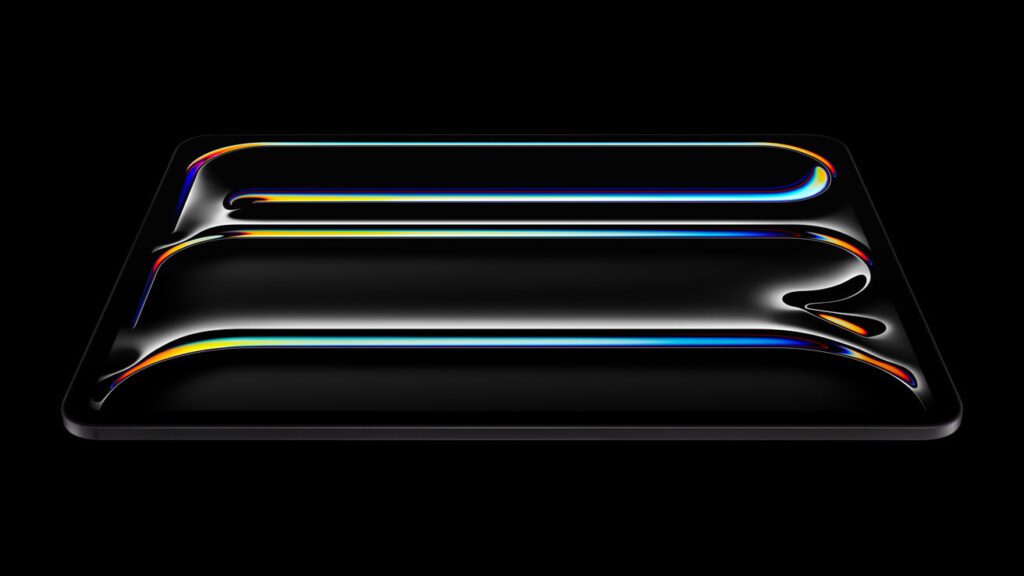
Credit Image: Apple
iPadOS 18 represents a mature operating system that mostly stays out of your way while enabling powerful workflows when needed. Stage Manager provides proper window management for users who need traditional multitasking workflows.
The Files app continues improving with better external storage support and more powerful file operations. Cloud storage integration works seamlessly across iCloud, Dropbox, Google Drive, and other popular services.
Universal Control lets you use your Mac keyboard and trackpad to control the iPad seamlessly. This creates a fluid ecosystem where you can drag files between devices without thinking about which machine you are using.
The iPad still cannot run certain professional applications like Final Cut Pro on Mac or the full Adobe Creative Cloud. This remains the primary limitation for some professional workflows. (iPadOS 26 Features That Transform the M4 iPad Pro, 2025)
Who Should Buy the iPad Pro M4?
Creative professionals will find tremendous value here. If you work with video, photography, graphic design, or digital illustration, this device offers professional-grade tools in an incredibly portable package.
Students and educators benefit from the versatility. The iPad excels at note-taking, research, presentation creation, and media consumption. The Apple Pencil Pro makes handwritten notes feel natural while maintaining digital searchability.
Business users who travel frequently will appreciate the combination of performance and portability. The cellular model provides reliable connectivity anywhere, eliminating dependence on questionable WiFi networks.
Content creators producing videos, podcasts, or written content can handle most production tasks directly on the iPad. Mobile workflows enable creation from anywhere without carrying heavy desktop equipment. (iPad Pro M4 Review: The Tablet That’s Redefining Laptop Performance for Creatives 2025, 2025)
Who Should Skip This Generation
Desktop power users who need specific applications will find limitations frustrating. The iPad still cannot replace a full desktop workstation for certain professional software.
Budget-conscious buyers might find the entry price steep, especially when factoring in accessories like the Magic Keyboard and Apple Pencil Pro. These add another $600 to $700 to your total investment. The base iPad or iPad Air models offer excellent value for users who do not need pro-level performance.
Users satisfied with their current iPad should consider waiting. If your existing device handles your workflow adequately, the M4 upgrade might not provide enough tangible benefits to justify the cost.
Final Though
The iPad Pro M4 represents the pinnacle of tablet computing in 2026. The combination of M4 performance, stunning OLED display, refined design, and mature software creates an experience that justifies the premium pricing.
Video editing, photo work, digital illustration, and professional productivity all work beautifully. The hardware rarely becomes a limiting factor in creative workflows. Is it perfect? No device is. The high cost, certain software limitations, and accessory expenses add up quickly.
Battery life during intensive tasks falls short of ARM-based laptops. Users pushing the device hard will need to plan for charging breaks. But if you value premium build quality, exceptional performance, and a versatile form factor, the iPad Pro M4 delivers on every front.
For creative professionals, serious students, and anyone who wants the best tablet experience available, this is the device to buy. The investment pays dividends through increased productivity and creative freedom that lesser tablets cannot provide.